

Shared money, clearly kept
Shared money. Clearly managed.
A club fund, shared expenses or payments still to be settled. Penny Monet brings everything together in one clear record.
- Works in the browser on phone and computer
- English, Nederlands, Deutsch, Español
- Never holds or moves money
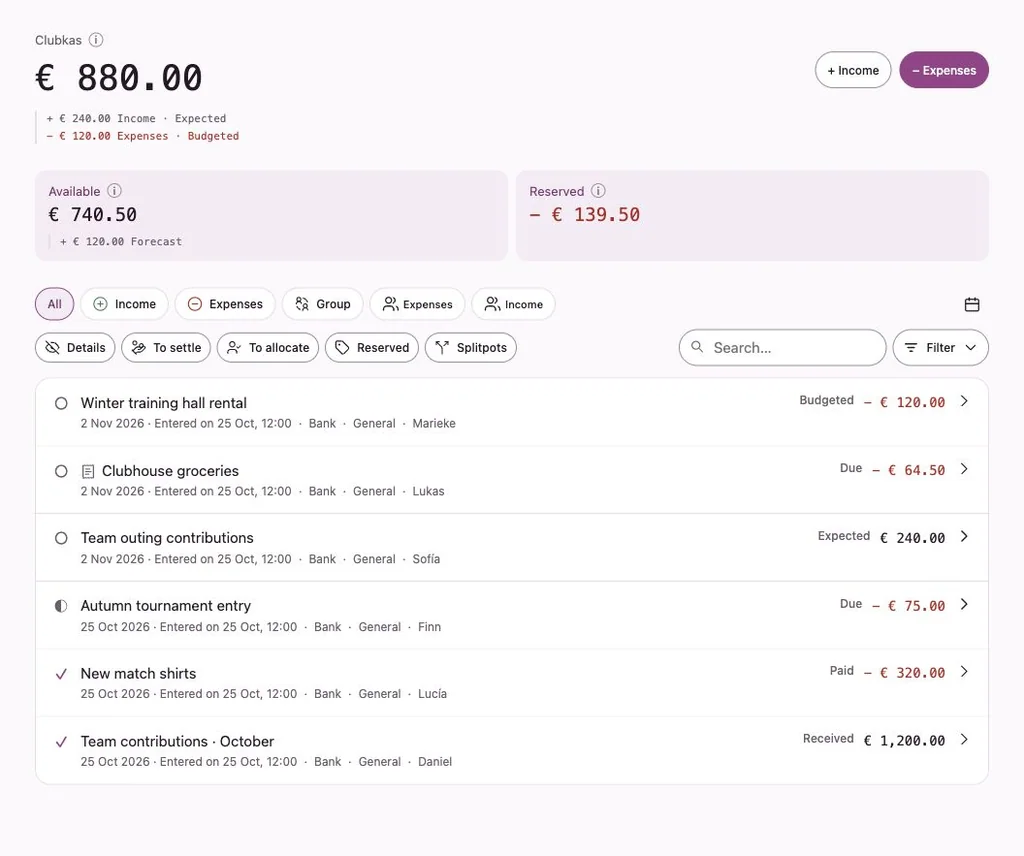
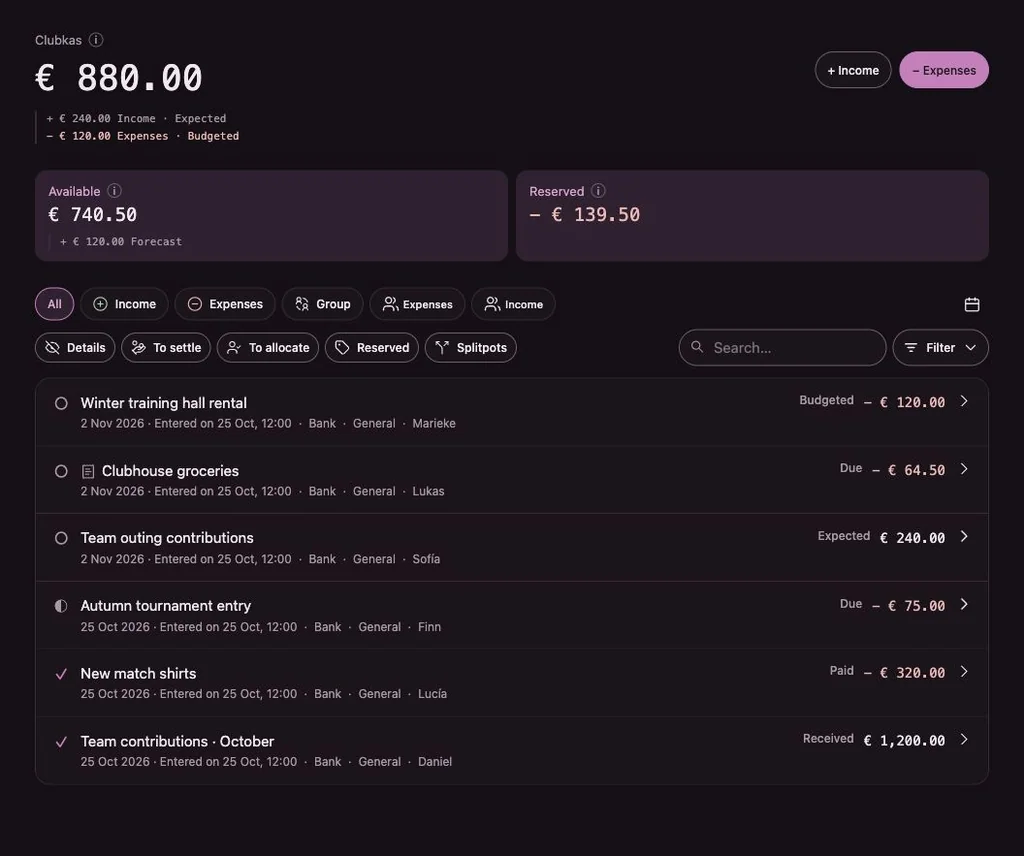
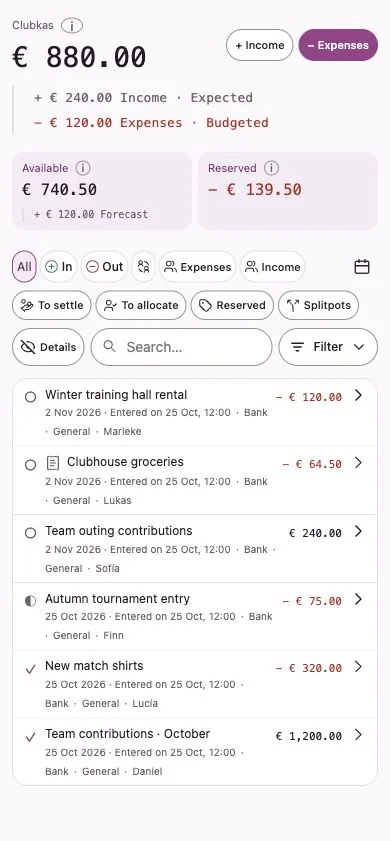
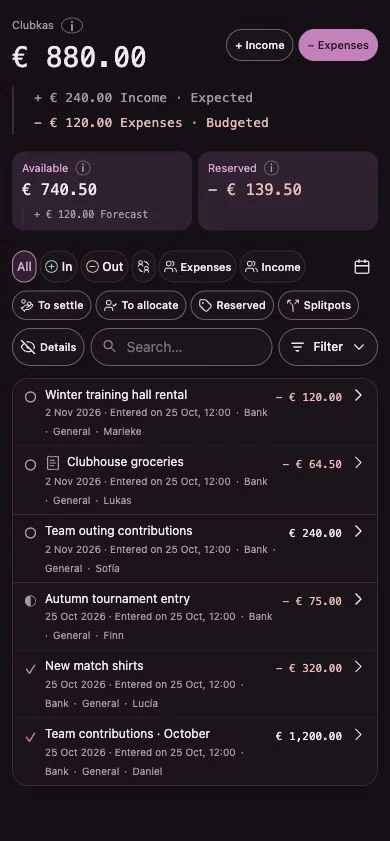
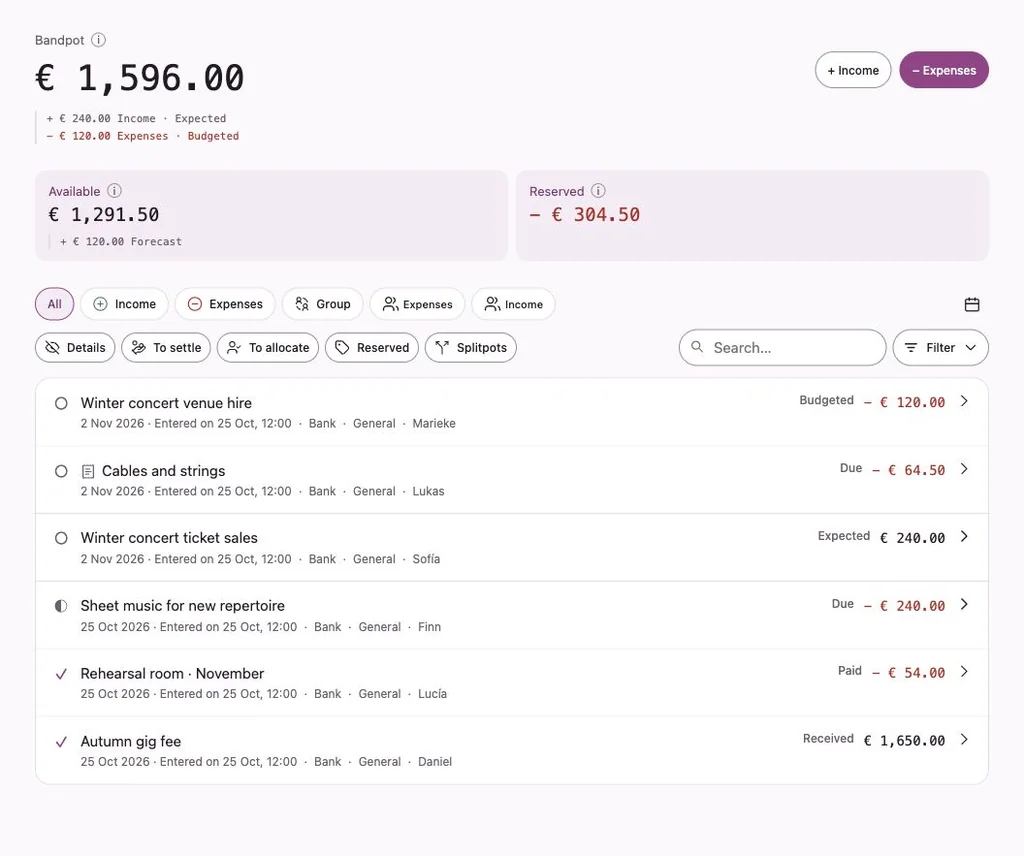
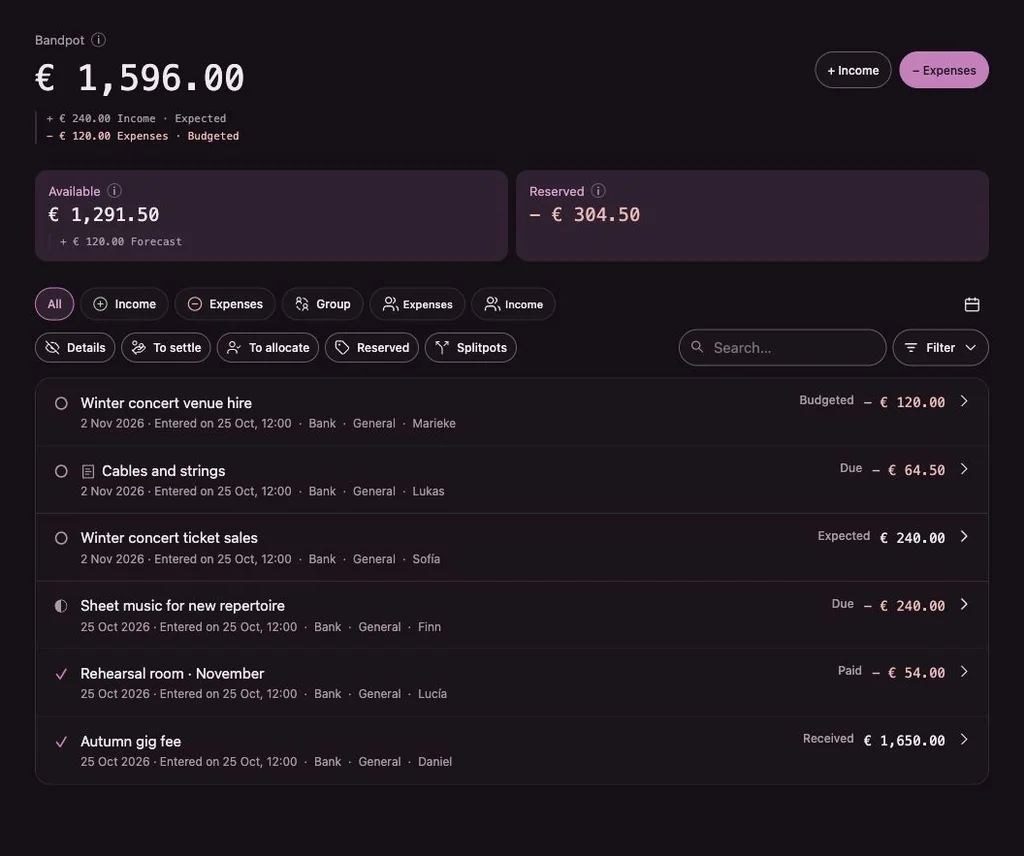
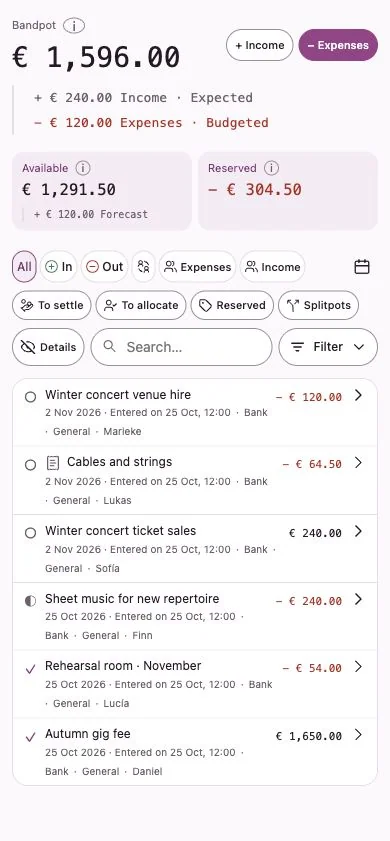
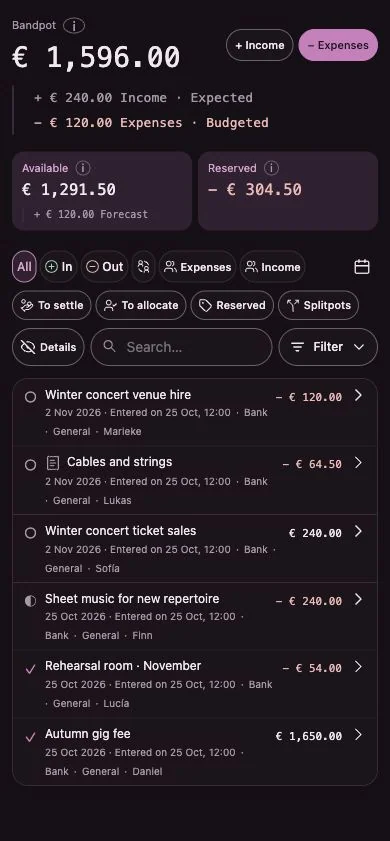
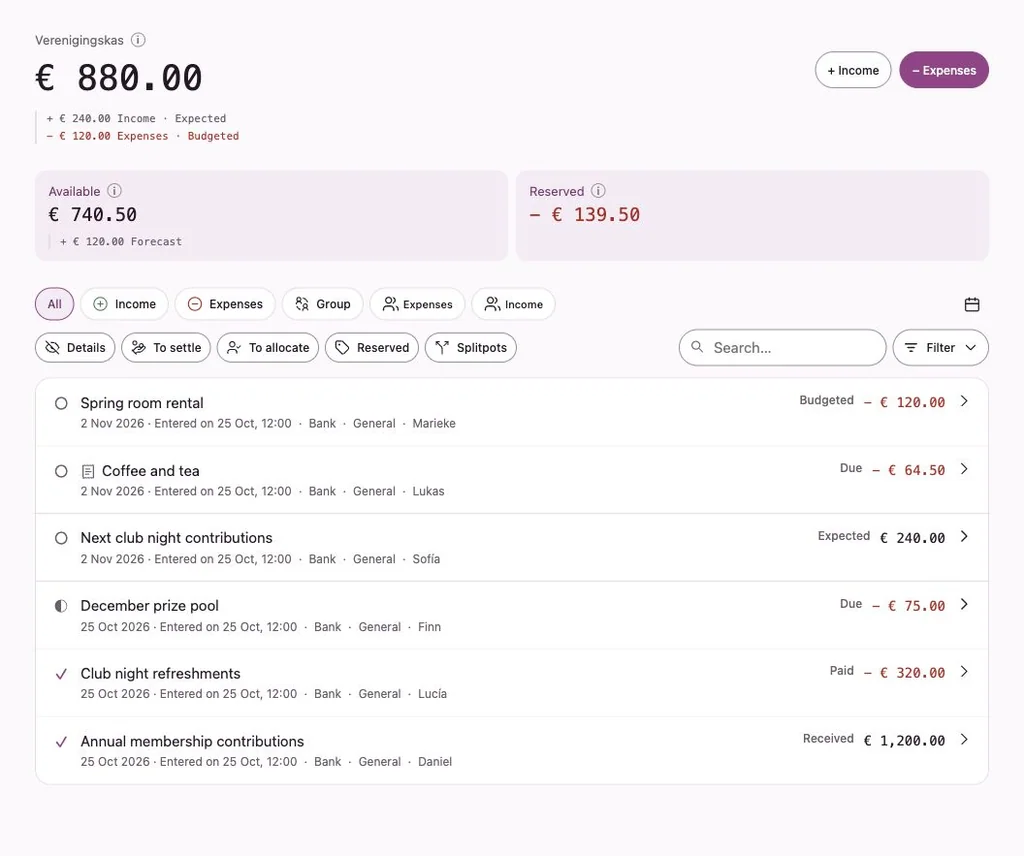
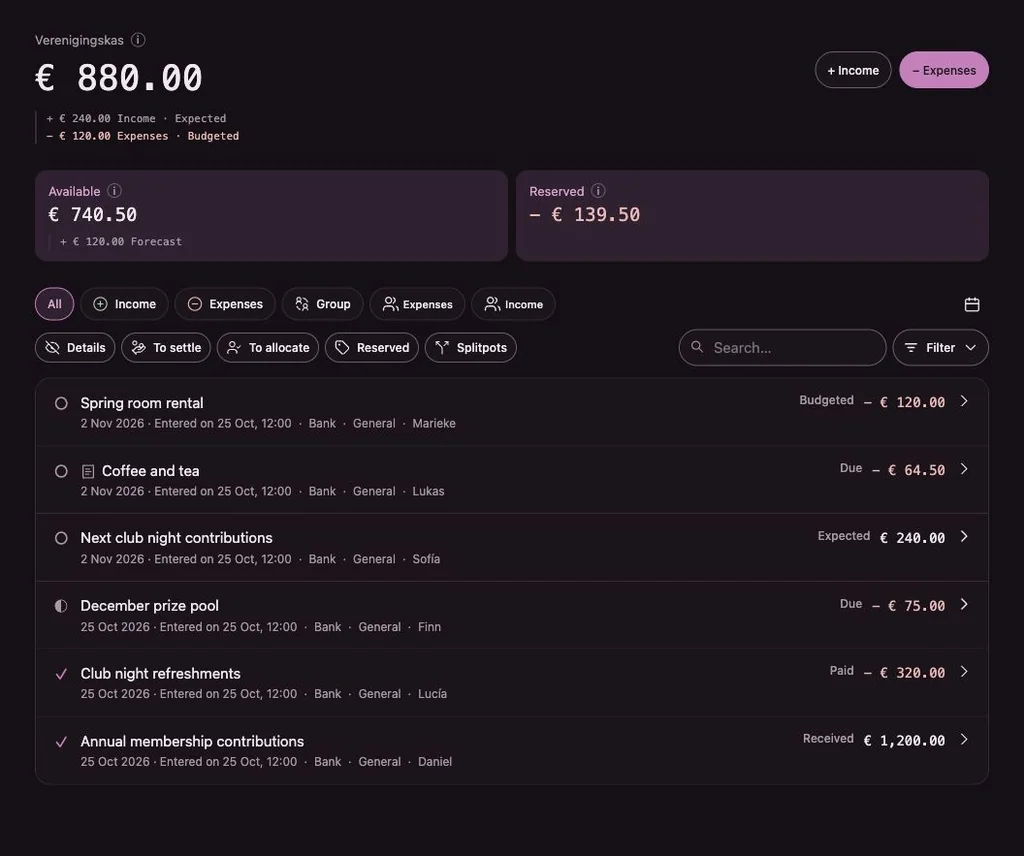
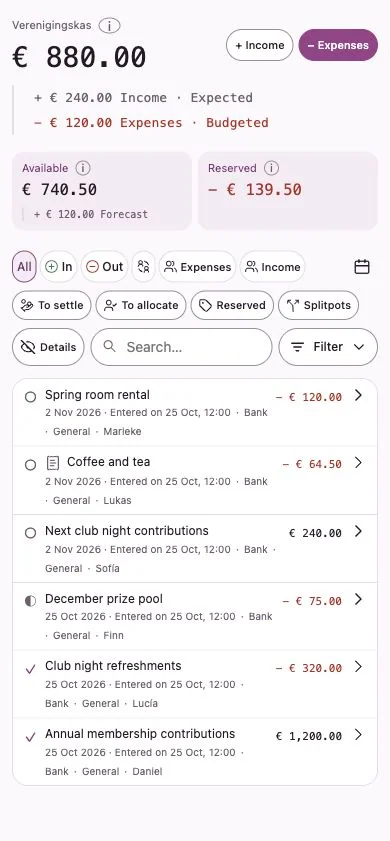
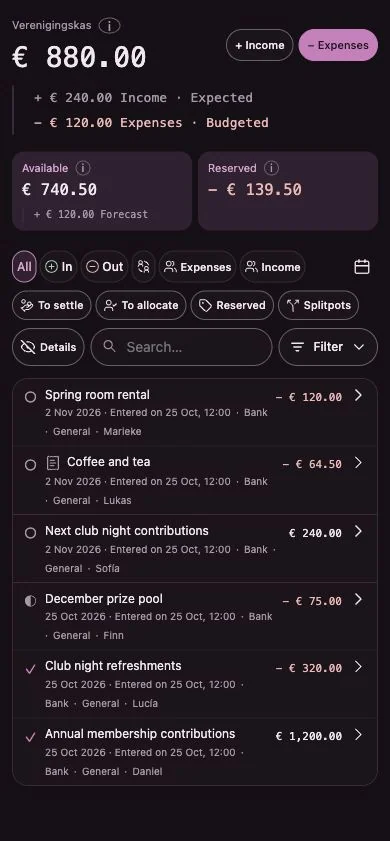
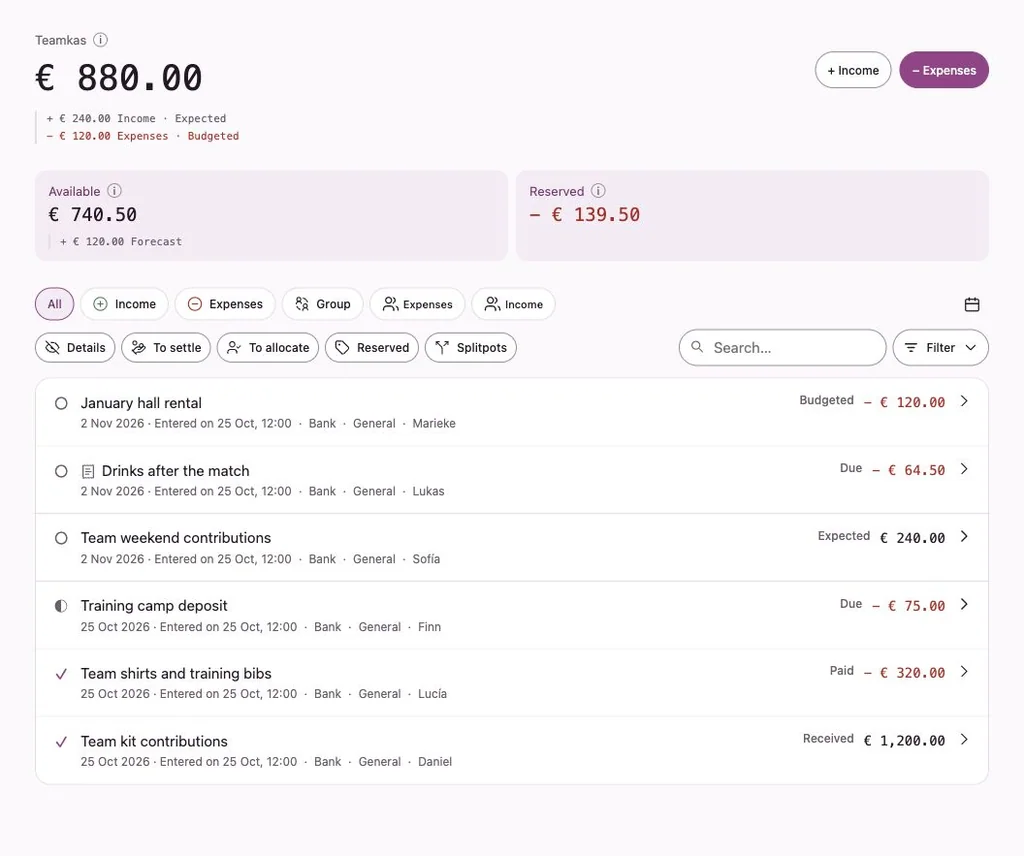
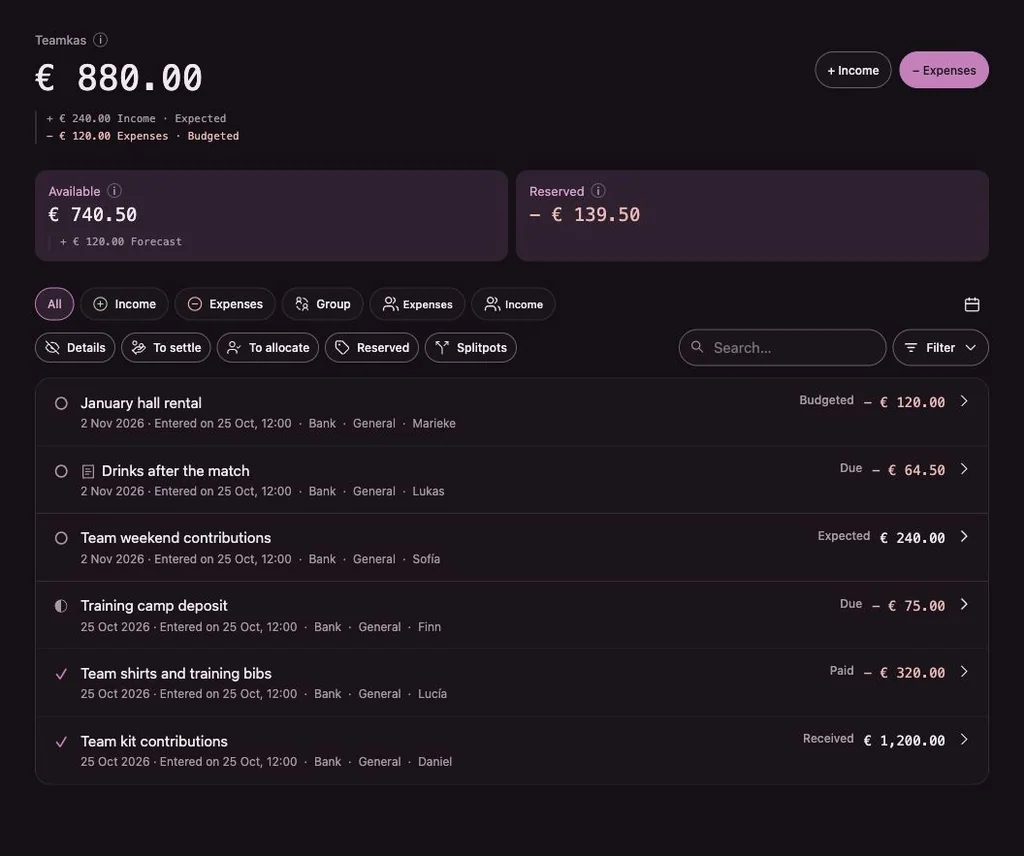
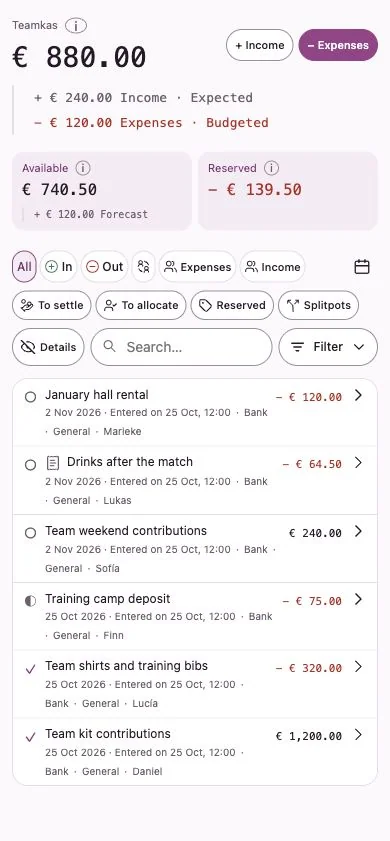
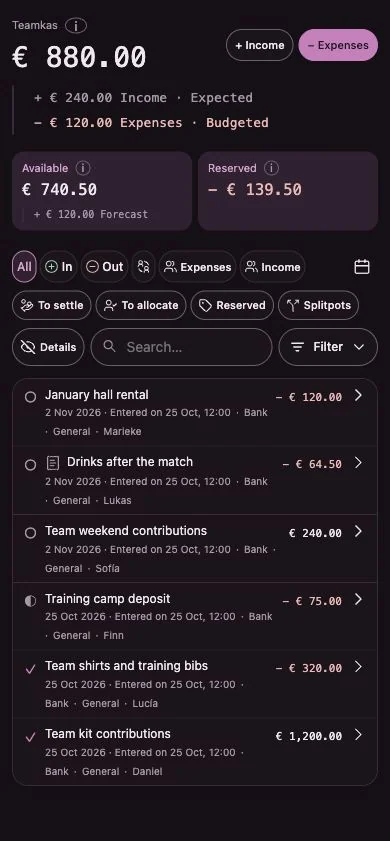
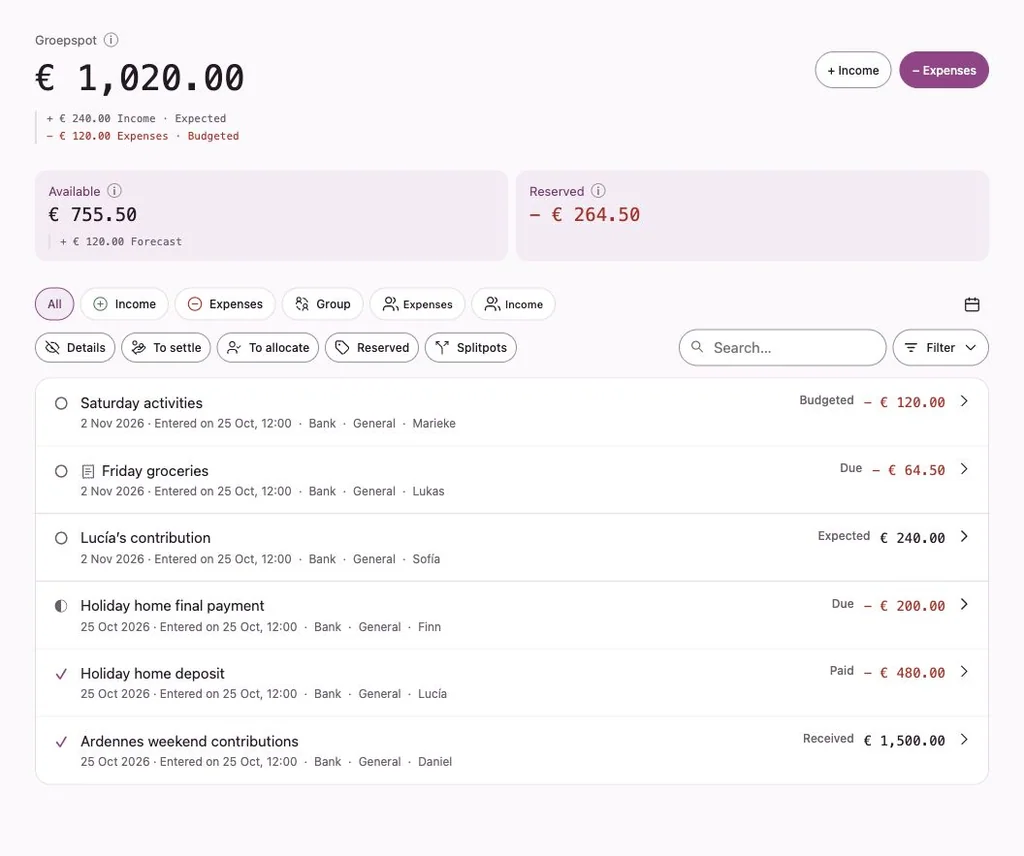
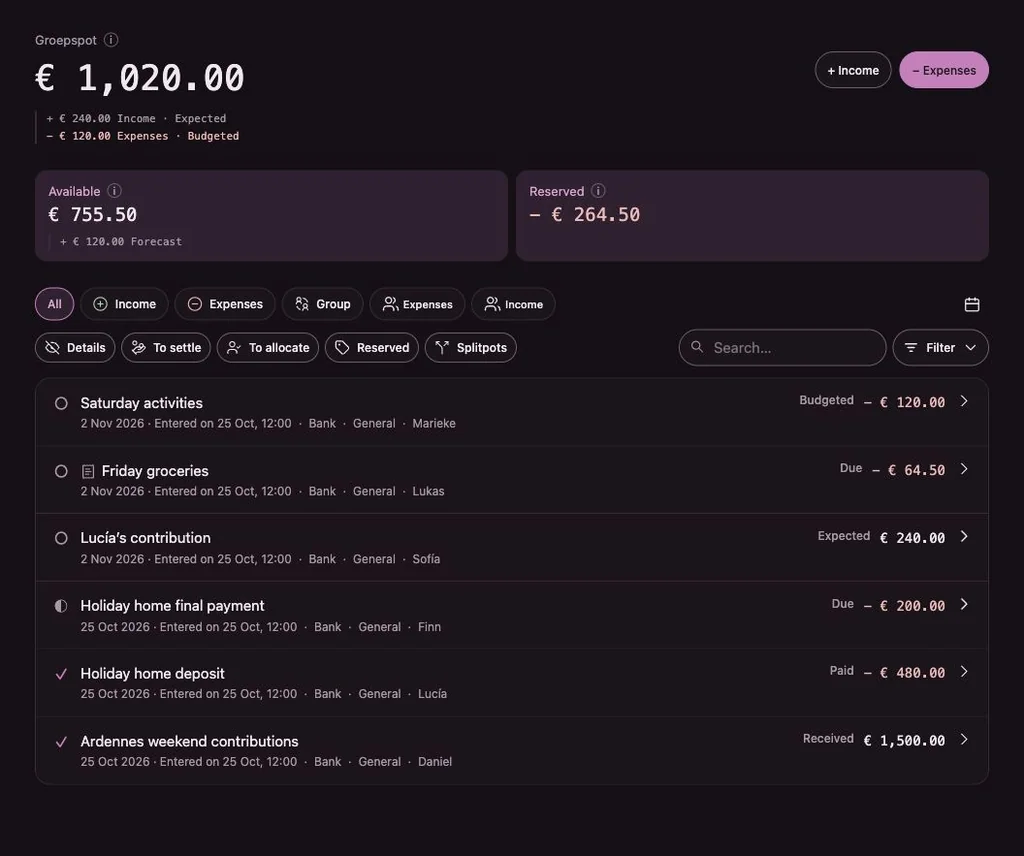
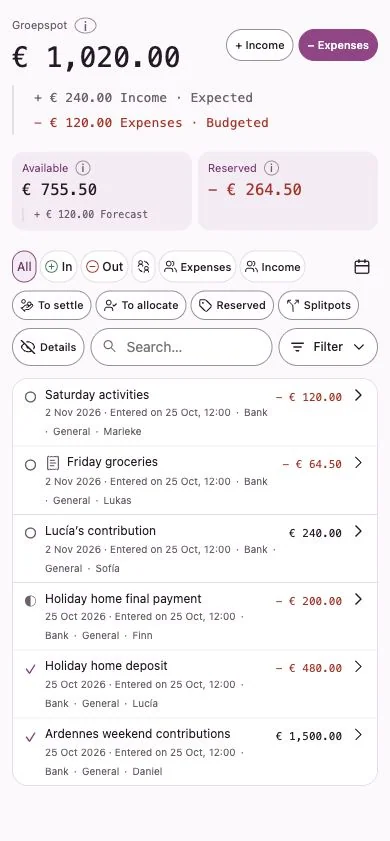
Group balance
What the group has, what is already promised and what is still expected.
Read moreMy overview
Each person sees what they paid, what they are owed and what they still owe.
Read moreSplitpots
Split the costs of one weekend, tournament or gift between the people involved.
Read moreGroup pots
Group money sits with people: a cash box here, a bank account there. Each holder has a pot.
Read moreThe problem
Every group asks the same questions.
Usually in a group chat, usually after the weekend, usually to the one person who kept the receipts. Penny Monet records the answers as you go.
Who paid for what?
Every income and expense is recorded with who paid, how and when, with a note where needed.
How it worksWhat do I still owe?
Each person’s own debts and credits are listed separately in My overview. Nothing is silently netted.
My overviewHow much is reserved?
Reserved shows agreed amounts that still have to be paid to members or suppliers.
Group balanceWhat can the group still spend?
Available is the group balance minus what is reserved. It may go negative, and then you see it straight away.
Group balanceWhich costs are still to be split?
Open expenses show how much is allocated and what remains. Split in equal shares, fixed amounts or percentages.
Split shared costsHow does the treasurer keep track?
Expense claims record privately advanced costs. Payments are handled separately and corrections remain traceable.
Contributions & obligationsHow it works
From the first receipt to settled up.
- 1
Start a group
Name it and pick a group theme. You become treasurer and invite the others with a link.
- 2
Record money in and out
Income, expenses and expense claims for money someone advanced. Mark items as expected when they haven’t happened yet.
- 3
Split and assign
Allocate an amount to the people involved in equal shares, amounts or percentages, with an optional share for the group.
- 4
Pay, confirm or offset
Record payments, including partial ones, let the recipient confirm, or offset a credit against a debt on purpose.
Who is Penny Monet for?
For every group that spends money together.
The kind of group doesn’t matter. The questions are the same everywhere: who paid, who still owes and what can we spend?


Sports club
Tournament fees, team outings, kit and the round after the match.
Read more

Music & Band
Rehearsal space, sheet music, gigs and ticket income.
Read more

Club & Society
Club nights, prize pools, annual fees and room rent.
Read more

Team
Team contributions, shared activities and costs for the season ahead.
Read more

Friends & Households
Weekends away, gifts, groceries and the energy bill.
Read moreGroup and person, kept apart
The group’s position and your own are two different things.
The group balance is the money the group really has, wherever it is held. Reserved is what the group has agreed to pay. Available is what is left.
Your personal position is separate: what the group owes you, what you owe the group and what you have received. Penny Monet never quietly nets them, so a credit doesn’t disappear into a debt unless someone offsets it on purpose.
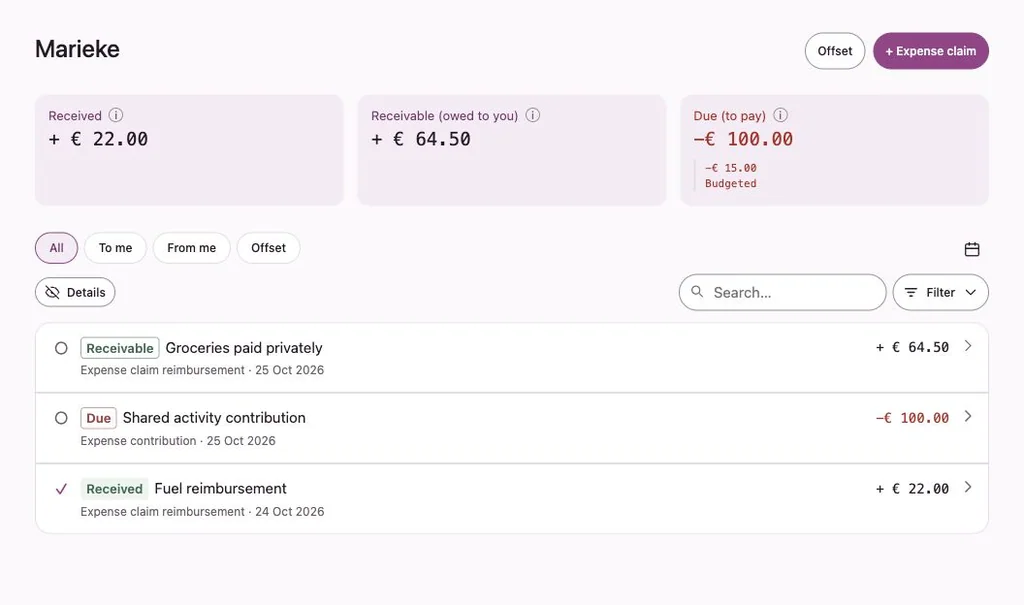
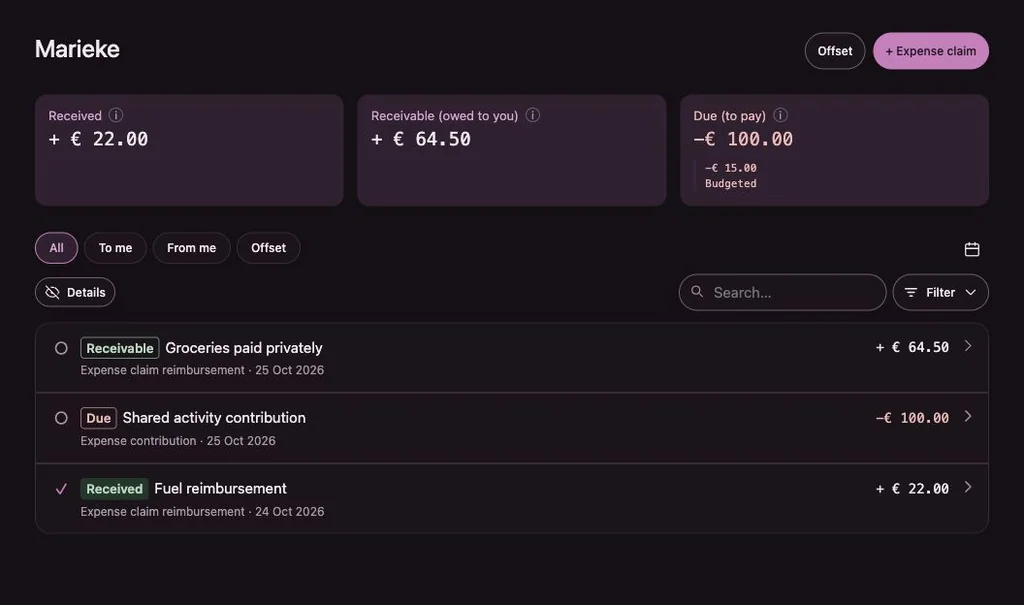
Calendar sync
Expected payments in your calendar.
Make a calendar feed from any selection of transactions, for example all expected expenses of your team. Add the private link to your calendar app as a subscription.
Each transaction appears as an all-day entry. The feed is read-only: your calendar shows what is in Penny Monet, and you can revoke the link at any time.
Illustration with made-up example data
Good to know
What Penny Monet deliberately doesn’t do.
Penny Monet is a cash book, not a bank. Being clear about that is part of keeping everyone’s trust.
- It doesn’t hold or move money
Payments go through your own bank or in cash. Penny Monet records that they happened. - It doesn’t connect to your bank
There is no bank import and no access to anyone’s account. - It doesn’t settle things automatically
A credit and a debt are only offset when an authorised person chooses to do so. - It doesn’t mix groups
Each group keeps its own books. Amounts from different groups are never added up or set off against each other.
Questions
Short answers
Does Penny Monet process payments?
No. People pay each other or the group the way they always do, in cash or by bank transfer. Penny Monet records the payment and, if your group wants that, asks the recipient to confirm it.
Does everyone in the group need an account?
Members and guests sign in with their own account, so they can see their own position. Suppliers and customers in the address book don’t need one.
What can a guest see?
Only their own expense claims, credits, debts and payments, with the history that belongs to them. A guest doesn’t see the group balance or other people’s activity.
Can I be in more than one group?
Yes. Each group has its own theme and its own books, and you switch between them in the app.
See how your group’s books would look.
The example uses fictional data. Try splitting an expense and see how each person’s position changes.
