

How it works
From the first receipt to settled up.
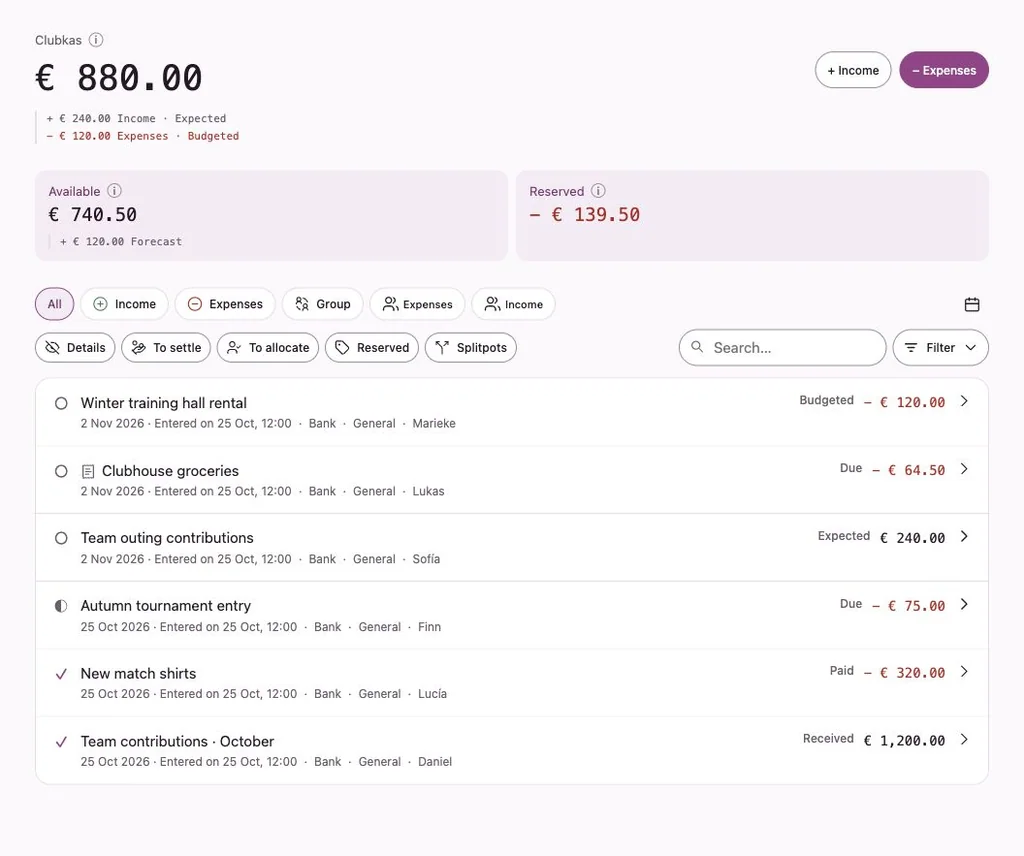
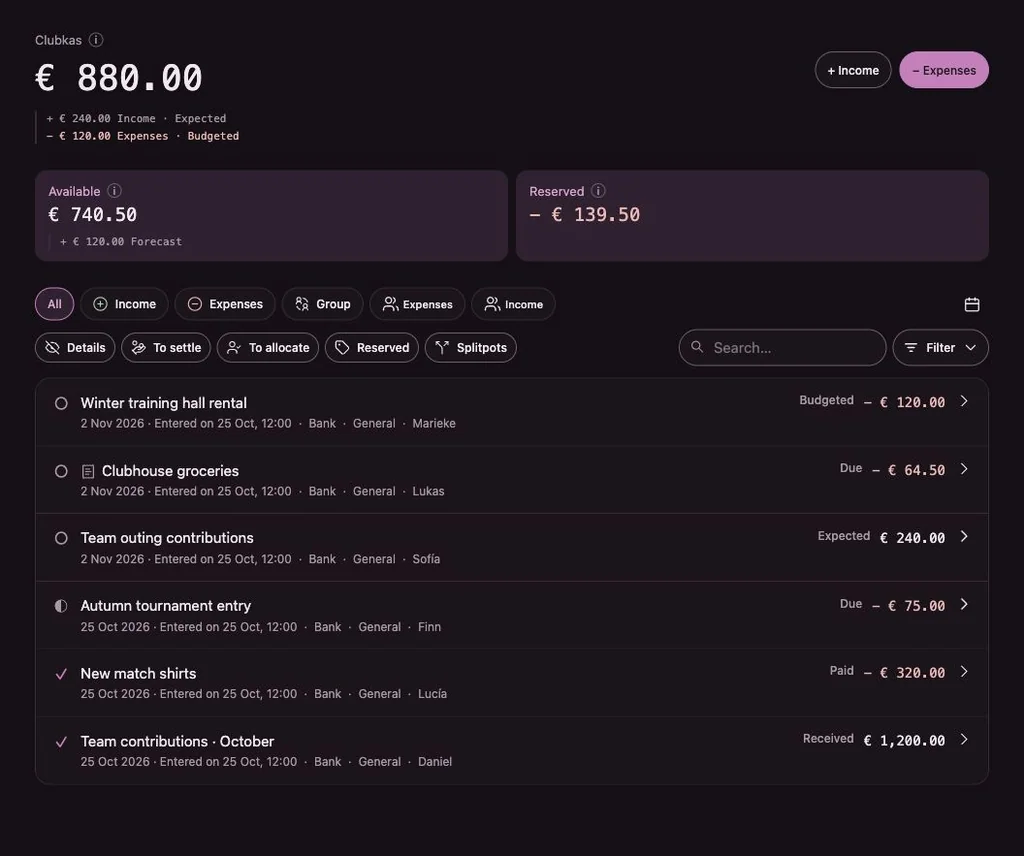
Penny Monet follows the way groups already handle money: someone pays, the group agrees, costs are split and people pay each other back. The app keeps the record and the overview.
In four steps
The basic flow
- 1
Start a group and invite people
Give the group a name and a theme. You become treasurer. Invite members and guests with a personal invitation link.
- 2
Record income and expenses
Record money that came in or went out, and say whose money it went through. Use Expected for things that haven’t happened yet.
- 3
Split what needs splitting
Allocate an expense or income to the people involved in equal shares, amounts or percentages. What isn’t allocated stays with the group.
- 4
Pay and settle
Record payments, also in parts. The recipient can confirm receipt. A credit and a debt can be offset on purpose.
Expense claims
Someone advanced money? That’s an expense claim.
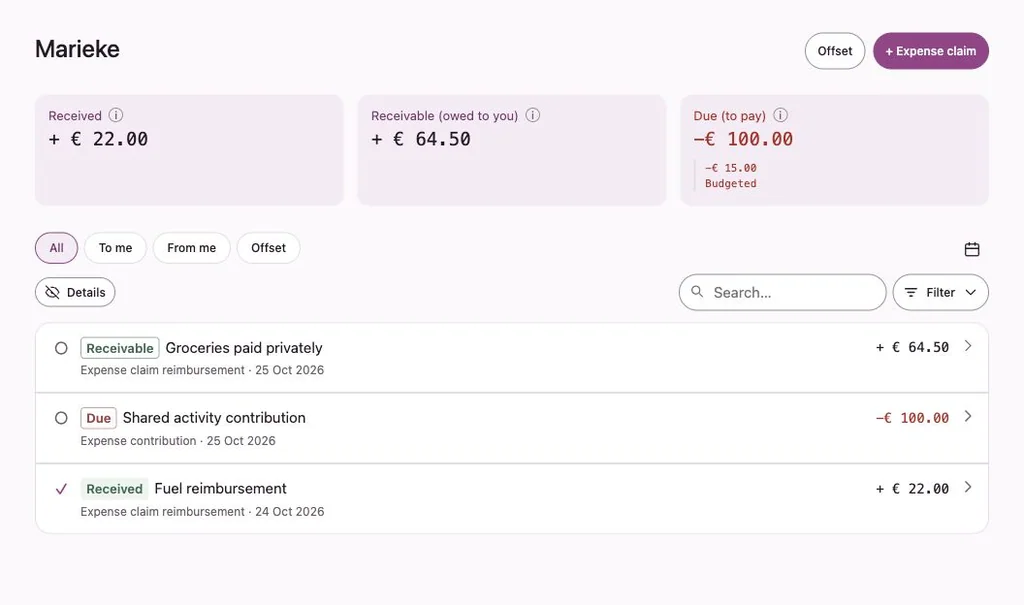
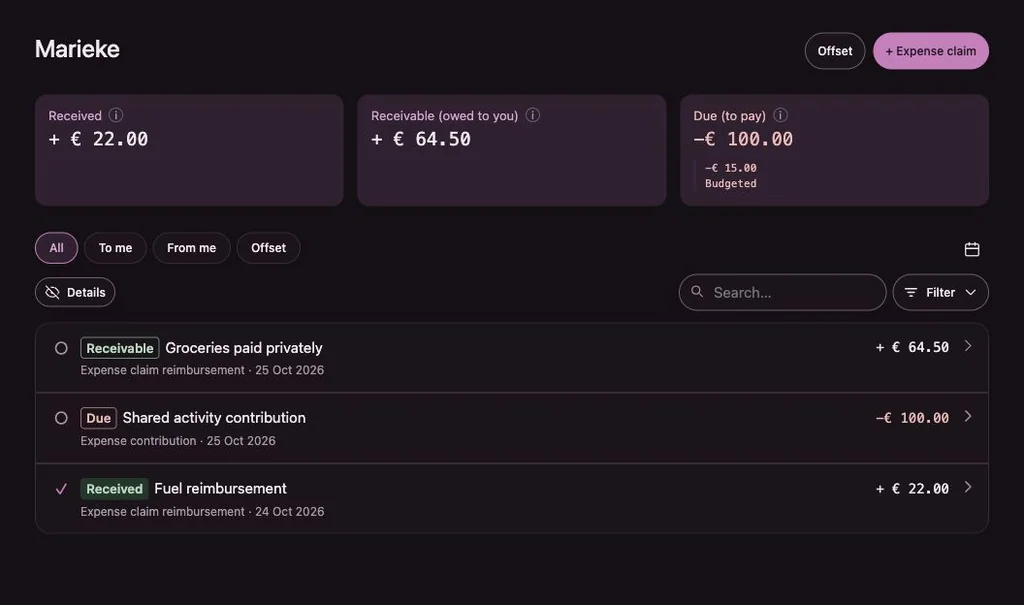
When a member pays for the group out of their own pocket, they record it as an expense claim, with an explanatory note if needed. The claim records an amount owed by the group. Repayment is recorded separately; an authorised user can subsequently reject the expense.
Once accepted, the group owes that person the amount: it shows as Reserved in the group balance and as a credit in their My overview. A rejected claim stays visible with its reason and creates no debt.
Splitting
Equal shares, amounts or percentages.
Select the people involved and choose how to split. Penny Monet calculates in whole cents. When an amount doesn’t divide evenly, the remaining cents go to the selected people in a fixed, visible order, so the total always adds up.
You can also give part of an amount to the group itself. Whatever isn’t allocated yet stays visible, so nothing gets lost.
- Each person’s share becomes a separate item in their own overview
- Splitting and paying are separate steps
- A share can’t be lowered below what has already been paid or offset
Paying
Payments are recorded, not processed.
One payment, one item
A payment settles one open item. Partial payments are fine; paying more than is open is refused, so the books stay correct.
Receipt confirmation
If your group turns it on, the recipient confirms whether the money actually arrived. That changes no amounts, it only confirms.
Transfers between holders
When cash moves from one person to another, record a transfer. The group balance stays the same; only the holder changes.
Questions about the flow
Can a member pay something directly from group money?
Yes, if they hold group money and have the right to record money. The payment comes out of their pot. Who may do what is set per group.
What if an amount turns out different?
Correct it. The original line is struck through and stays visible, the corrected line appears beneath it, and the reason is kept.
What does “expected” mean?
An expected item hasn’t happened yet, like next month’s rent or ticket sales for a concert. It shows as an expected change but doesn’t change the current balance until it becomes real.
Keep exploring
Try it with example data.
The example runs in your browser with made-up data. Nothing is saved.
