

Splitpots
Split one activity’s costs without touching the club’s books.
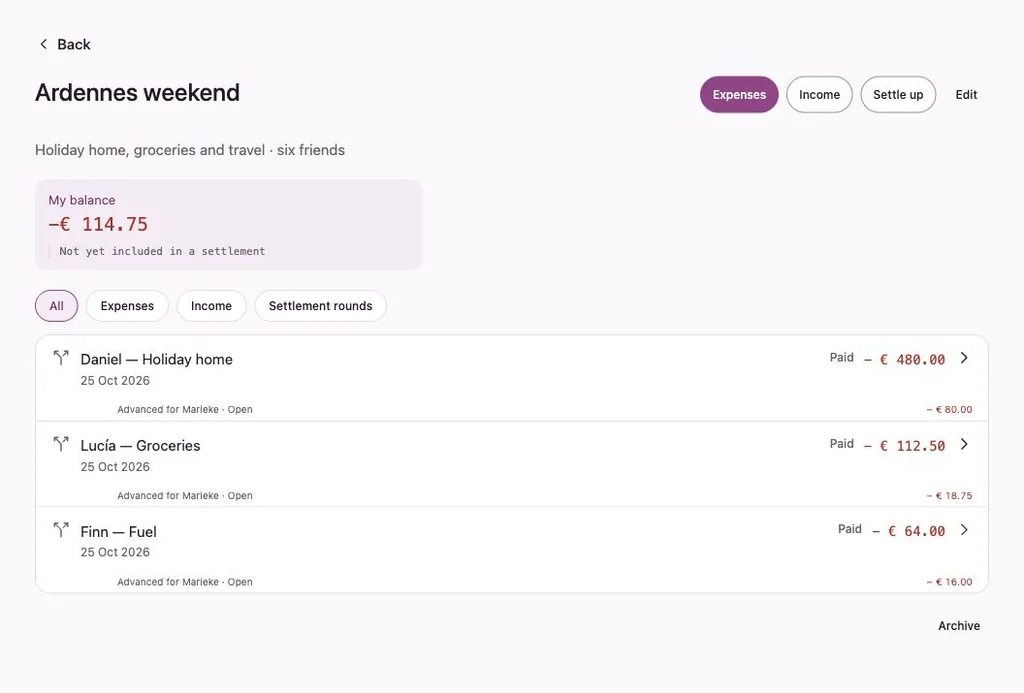
A Splitpot is a named space within a group for one activity: an away weekend, a gift, a shared dinner. People record what they paid and how it is split. When you’re ready, you settle up.
How a Splitpot works
Record, split, settle up
- 1
Create a Splitpot
Give it a name and a short description. Any member who is allowed to can create one; the creator and treasurers manage it.
- 2
Add what people paid
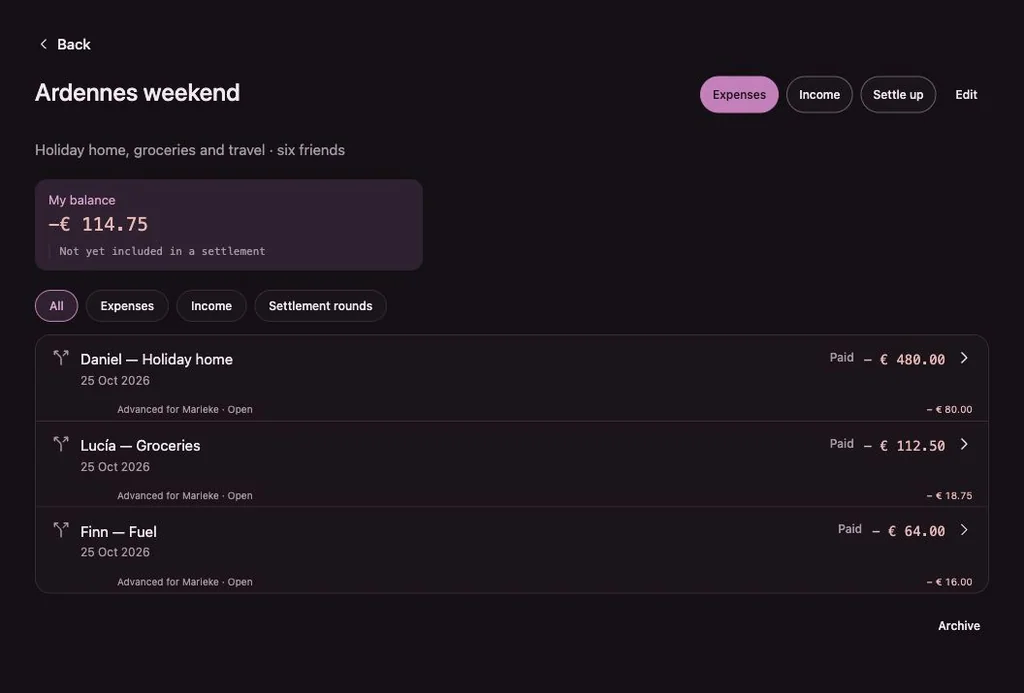
Each transaction says who paid and how it is split between participants. Everyone sees My balance: their part not yet included in a settlement.
- 3
Settle up in a round
Finalising a settlement round turns the open amounts into payment items between the people involved. It doesn’t record a payment; that happens when people actually pay.
Rounds
Settle now, continue later.
A Splitpot can have several settlement rounds. Transactions in a finalised round can’t be changed from the outside; to change them, the creator or a treasurer reopens the round first.
A settlement can be made for yourself, limited to transactions you are involved in, or for the whole Splitpot. Once a Splitpot is done, archive it. Its history stays readable.
- Guests can’t manage a Splitpot or start a settlement
- You can let guests see all transactions in a Splitpot
- Splitpot transactions are edited from within the Splitpot
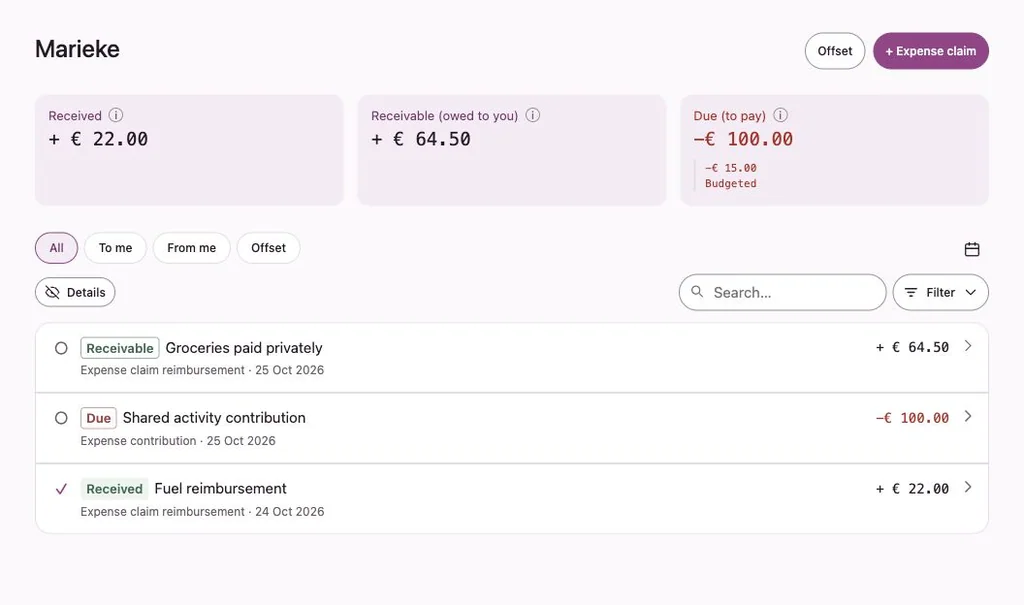
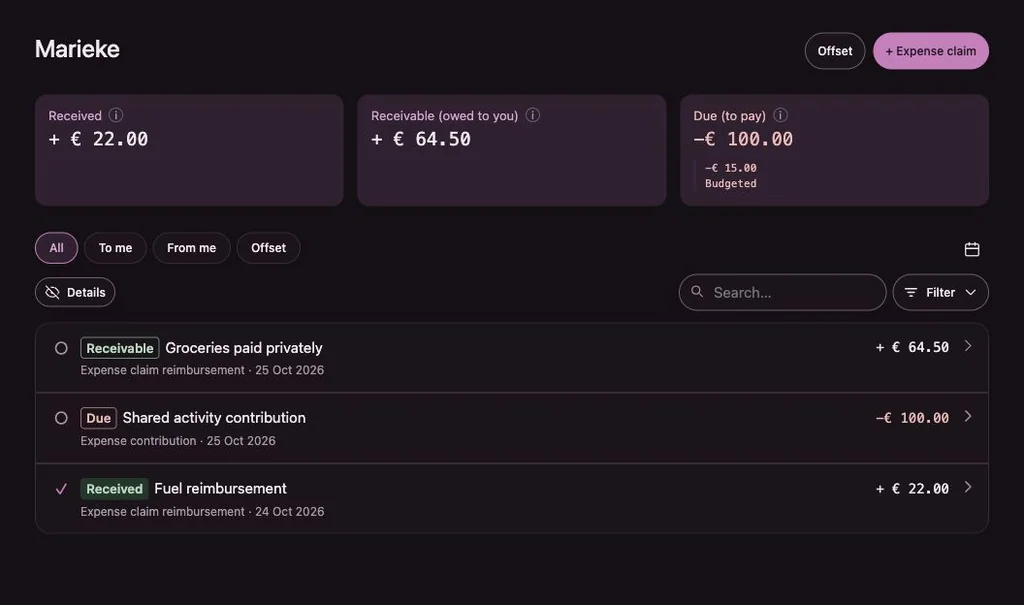
The payment pairs in the illustration are an example. How a settlement round pairs payments between people is determined by the app; this page doesn’t promise a particular calculation.
Keep exploring
Try it with example data.
The example runs in your browser with made-up data. Nothing is saved.
